FireWire and USB: What to Choose?
Wondering what’s the difference between FireWire and USB standards and which is the most suitable for everyday goals? Let's look into the details about both standards.
The differences in the architecture have a big influence on data throughput. FireWire 400, FireWire 800, and USB 2.0 are of different architecture types:
- FireWire is using a "Peer-to-Peer" architecture. The peripherals are intelligent and can negotiate bus conflicts, to decide which device will control data transfer most efficiently.
- High-speed USB 2.0 is using a "Master-Slave" architecture. Computer is handling arbitration functions and dictates data flow among the peripherals.
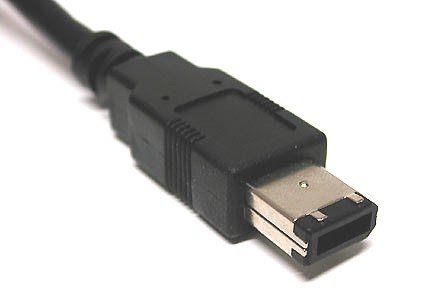
FireWire or USB
Most often you won't have to decide which protocol you are going to use, the product you are getting is often aimed at a specific protocol and can only work with either FireWire or USB.
For all out sustained output and input of data FireWire external hard drive usually shows the best performance. But USB 2.0 external hard drive will show more compatibility and convenience thanks to being widespread among many types of computers.
Despite all the advantages of FireWire, in February 2011 Apple introduced the new standard: Thunderbolt. The last computers with FireWire were released in late 2012. By 2014 Thunderbolt became widespread among Apple computers replacing FireWire quite successfully.
Thunderbolt with USB-C vs. USB 2.0
Thunderbolt 3 interface uses USB-C ports. So basically our comparison comes from FireWire to USB comparison to actually Thunderbolt with USB-C and USB 2.0 comparison. USB-C is in its rising stages right now, and more and more devices implement it.
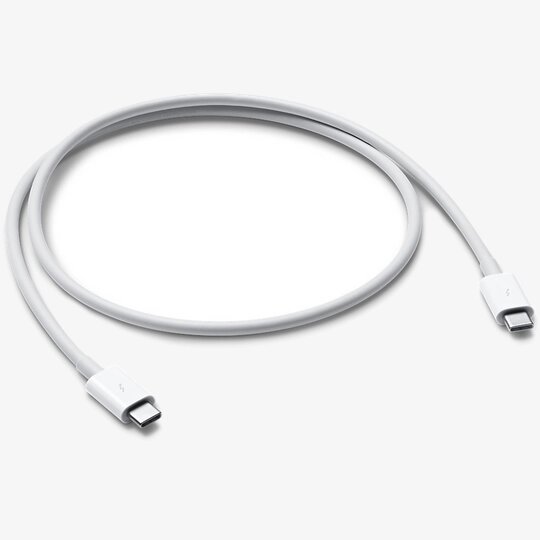
The issue of accessing remote USB devices over network still stays relevant as well as sharing USB-C over network and USB 2.0 over network.
One of the top solutions for sharing and accessing remote USB devices over different types of networks is USB over Ethernet software. With USB Network Gate working with a remote USB device is no different from working with a local one.